15 Best Online Accessibility Practices
Thursday, November 10, 2022
Thursday, November 10, 2022
Accessibility is important to make social media, websites, and digital resources available for all people, especially people with disabilities. However, it can take time to learn how to make your online space more accessible. We've created a list of our 15 best accessibility practices to make it easier for you to learn and implement accessibility online.
Alt Text is most often used to provide people who are blind and low vision access with online visual information.
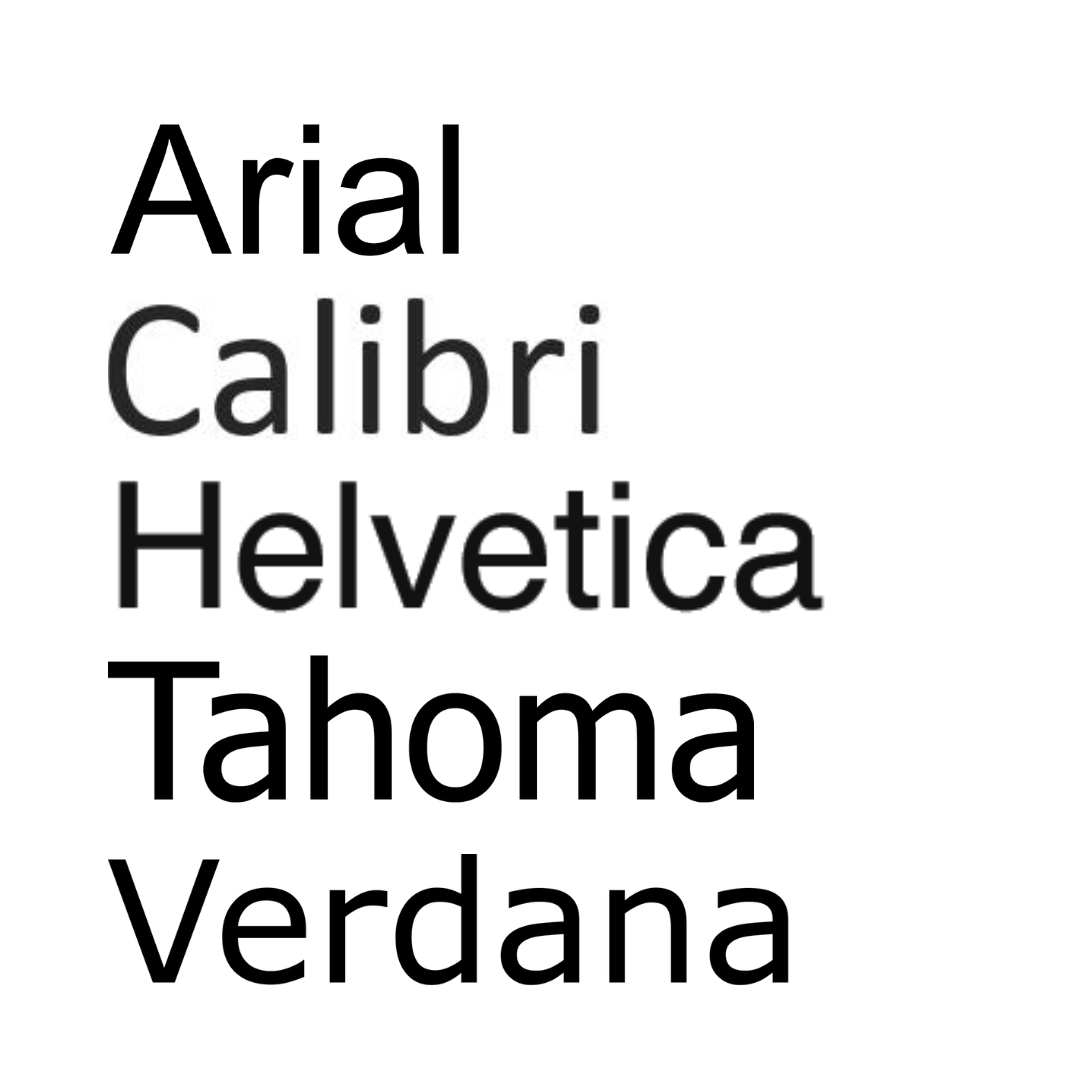
When creating graphics or content, make sure to have high color contrast so that people can easily read what you are saying.
Use WebAim’s website to check color contrast.
.png)
When writing hashtags on social media, use CamelCase! CamelCase means you capitalize each word in the hashtag to make it easier to read. Not only is it easier for everyone to read when each word is capitalized, screen reading software can better read out a hashtag to a user if the words in it are capitalized. If you do not capitalize each word, it can be very difficult to understand what the hashtag is saying, especially if it's very long.
Take the phrase ‘disability rights are human rights’ as an example. If you were to put those words in a hashtag and didn’t capitalize each word, it may look like a long list of letters that are hard to discern. When you use CamelCase and it reads #DisabilityRightsAreHumanRights, it is much easier for folks to read.
One final thing about hashtags, put them at the end of social media posts when possible. It is easier for everyone and for someone using a screen reader to read if there’s no mix of plain text and hashtags throughout a post.
.png)
Plain text simply means using language that is most accessible for all people. This includes limiting any use of academic or elevated jargon, providing definitions for academic/elevated words if they must be used, listing out what any acronyms mean, using active voice, using bullet points or numbering content, and ordering information logically with the most important information first. You also can utilize images or graphs to help explain something. This is a good idea because a concept may be difficult to comprehend through text, or will make the information in the text more clear, or people who cannot read or prefer visuals can access that information in a way that works best for them.
You can check how accessible your text is by checking the reading level with Hemingway app. This app will evaluate your writing and give you a letter grade based on how easy it is to read. At our organization, we try to have our messages fall between a 6th and 8th grade reading level. If you notice that your message is scoring much higher than that, try to rephrase your message and share it in the simplest terms possible.
.png)
When adding links to a document, online newsletter, PowerPoint, or website, embed the link whenever possible. To embed a link, highlight text and connect the link to that text. When you click on the text, it will take you to that link.
Something important to keep in mind: When writing the text that you will embed the link in, describe where the link takes you. Say something like ‘Listen to our latest podcast episode on our website’. Do not just say ‘click here’. People using screen readers need to know where a link is taking them. When you describe where the link will take a user, it makes your message clearer for people to understand.
Watch Rooted in Rights's video on Captioning below.
An audio description is a verbal description that conveys important visual information. It can help people who are blind and low vision fully understand things like video, events, artworks or locations. First, make sure to talk your text. If you are relying on your audience to receive information by reading, your video is not accessible. Avoid this by making sure you narrate all important text that appears on screen. Second, Have the people in your videos introduce themselves as they appear. This way, it's easier to identify speakers and differentiate between them throughout the video. Third, If a scene or moment is purely visual, like if a magician silently pulls a white rabbit from her top hat, or with the tap of her black wand makes her assistant disappear, it needs to be described. (Rooted In Rights)
Try watching the videos you make with your eyes closed. What critical information are you missing?
Watch Rooted In Rights's video on Audio Descriptions below.
.png)
An accessibility overlay is a website add-on that claims to fix any accessibility issues your website might have. Common ones are AccessiBe and UserWay, but there are many others. They often make claims that they can instantly transform an inaccessible website into an accessible one. The problem is that it’s just not true!
You can learn much more about accessibility overlays at the websites ‘Should I Use an Accessibility Overlay’ and ‘Overlay Fact Sheet’.
You don’t have to be a website developer or programmer to understand what can make a website inaccessible. Here are seven common issues a website could have that make it hard for people with disabilities to use it:
Screen readers ignore images: There are images on the web that contain important information, such as logos and buttons. They need Alt Text (see item #1) so a screen reader user can understand that content.
You can use an automated web accessibility test such as WAVE by WebAIM to find many common problems. However, be aware that no automated test can find everything wrong. For example, an automated test can determine if there is alt text on an image, but not if that alt text is helpful or not to the user.
There are also several manual tests you can perform yourself:
What questions do you still have? Leave a comment below and we will be happy to answer some of your accessibility questions. Thank you for your dedication to digital accessibility!
Please do not leave requests for assistance in the comments. Blog comments are not monitored by intake staff and your request may not be seen. Visit our Online Intake Page to request our services.
Commenting is not available in this channel entry.Get clear, reliable updates on the issues that affect people with disabilities—without the noise or jargon. We’ll share practical information, important changes, and real stories that show how advocacy is making a difference. You’ll also learn simple ways to stay informed, get involved, and help drive meaningful change.
We care about your privacy and trust, and will never share or sell your email address.
Comments