Accessible Telehealth: A Step-by-Step Guide for Virtual Visits
Friday, March 27, 2026

Friday, March 27, 2026
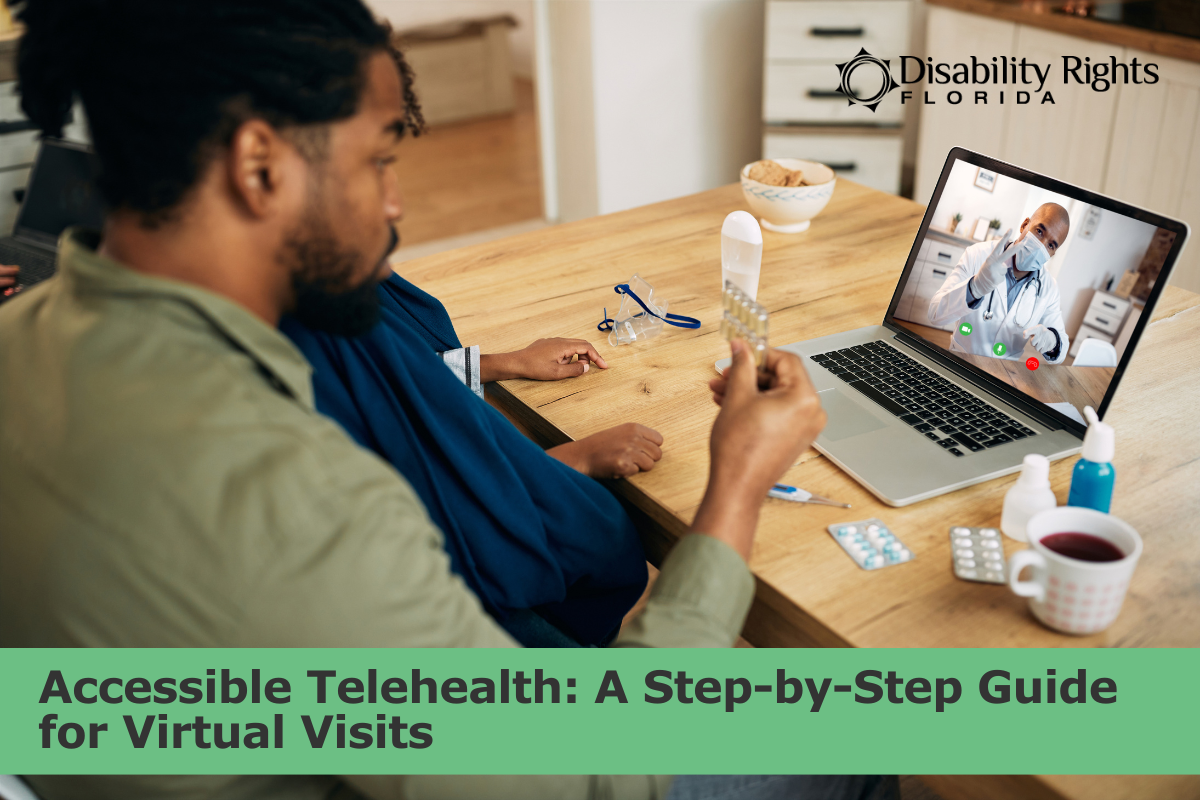
Telehealth can be a great option. It can save time, reduce transportation barriers, and make it easier to keep up with care. But telehealth only works when you can actually use it.
Many people with disabilities have had a virtual visit where the link will not open, captions are missing, the audio cuts out, the provider talks too fast, or the instructions are buried in a portal message that is hard to navigate. When the visit is not accessible, it is not just inconvenient. It can affect your health, your safety, and your ability to make informed decisions about your care.
This post is a practical self-advocacy guide for accessible telehealth. You will get a simple plan for what to do before, during, and after a virtual visit, plus scripts you can copy and paste. You can use these steps for yourself or as an advocate supporting someone else.
Accessible telehealth means you can participate fully, not just technically “join” the call. A visit can look successful on paper, but still be a barrier if you cannot hear, cannot understand the plan, or cannot use the platform with your device. Access is about being able to communicate, understand, and make decisions about your care in real time.
A telehealth visit is accessible when you can:
Accessible telehealth can look different for different people. You may need one support, or you may need several.
Accessible telehealth also includes choice. Sometimes video is the right option. Sometimes a phone visit, secure message, or another format works better. The best option is the one that lets you communicate clearly and get safe, appropriate care.
Some common access supports include:
If you have ever had to fight to hear, understand, or participate in your own appointment, you already know why access matters. You deserve care you can use.
A little prep can prevent a lot of stress. Telehealth often moves fast, and it is harder to troubleshoot access barriers once the appointment clock is running. Spending a few minutes up front can help you start the visit on your terms and reduce the chance that you leave without clear next steps.
The goal is not perfection. The goal is to make the visit usable and to have a backup plan if something goes wrong.
If you know you will need access supports, request them as soon as the visit is scheduled. This gives the office time to arrange what you need.
Examples of requests:
If you are not sure who handles access supports, ask directly:
A surprising number of telehealth visits fail because of small details. Confirm these items:
Then gather what you want on hand:
If possible, test your setup earlier in the day:
If you use assistive technology, test it with the platform if you can. If the platform is not accessible, do not wait until the appointment to find out.
If you think you might need help connecting, it is okay to say that ahead of time. You can ask the clinic if they have someone who can help you test the link or troubleshoot before the visit.
Also think about your space. Some people do not have a private, quiet place for a virtual visit. If privacy or noise will be a problem, ask about options like phone audio, rescheduling, or a different type of visit.
A simple goal helps you stay on track, especially if the visit is short.
Examples:
Use this message when scheduling or confirming your appointment. Sending your request in writing can also help later if something is missing on the day of the visit. It makes your access needs clear, and it gives the office a chance to plan instead of improvising.
Tip: If the office responds with vague answers, ask for specifics.
During a virtual visit, it is easy to feel rushed, talked over, or unsure when to speak up. But telehealth is still healthcare, and you have the right to understand what is happening and to participate fully. A few short phrases can slow the pace, clarify the plan, and keep the visit accessible.
The best telehealth visits start with a quick access check and a clear focus. You can do both in under a minute.
Try one of these opening lines:
This is not being difficult. It is setting the conditions for a usable visit.
Healthcare language can get complicated fast, especially on video. You can slow the pace without losing momentum.
If you need more time to process information, name it:
Use a short agenda. This protects your time and keeps the conversation focused.
If the provider is rushing, ask:
Sometimes the barrier is immediate: you cannot hear, you cannot see, or you cannot use the platform. Name the barrier and request a fix.
Try:
It also helps to remember this: video is not the only valid kind of telehealth. If video is not usable, a phone visit or another format may be the best way to make sure you can communicate and get clear next steps.
If you need to stop the visit because you cannot participate:
You are allowed to insist on a visit you can access.
Before the visit ends, ask for a clear recap:
If the provider agrees, ask for it in writing too:
The visit is only part of the process. The follow-up is where care plans become real.
In telehealth, it is common for the next steps to happen off-screen: a referral gets sent, a prescription gets filled, a lab order goes in, or a note is posted to a portal. Sometimes those steps happen quickly. Sometimes they do not happen at all unless someone follows up. A short, organized follow-up can prevent missed referrals, reduce confusion, and help you catch errors before they cause delays.
If you receive an after-visit summary, read it as soon as you can. If the summary is portal-only and the portal is hard to use, request another format.
Written instructions can reduce confusion and help you follow through.
If the provider ordered something (lab work, imaging, referral, equipment), ask when it will happen and how you will know.
If you are waiting, you are allowed to follow up.
Sometimes notes are incomplete or incorrect, especially if the visit had audio issues or was rushed. If something is wrong, request a correction.
Be factual and specific.
If access supports were missing, note what happened and who you told. This helps if you need to request a process change later.
Keep one log and add a new entry each time you have a telehealth visit or send a follow-up message. This is especially helpful if you see multiple providers, switch platforms, or need to explain what happened to a support person. A simple log can also help you remember what you requested, what worked, and what you need next time.
This helps you track what worked, what did not, and what you requested.
Telehealth Visit Log
If you only fill out three lines, make it these: barrier, next step, deadline.
One broken link is a problem. The same barrier, over and over, becomes a pattern.
Patterns matter because they show this is not about one bad day or one glitch. Repeated access barriers can interfere with care over time and can signal that a clinic needs a more reliable process. When you can name the pattern with dates and details, it is easier to ask for a consistent solution.
If you repeatedly experience missing captions, unclear instructions, portal-only communication, or platforms that do not work with your device, it is reasonable to ask for a consistent accessible option.
A simple pattern summary can help you advocate without rewriting the story every time:
“On [date], my telehealth visit was not fully accessible because [barrier]. I requested [support] and was told [response]. This also happened on [date] and [date]. I am requesting a consistent accessible option for future visits, including [support], and clear instructions in a format I can use.”
Patterns matter because they show this is not a one-time inconvenience. It is an access barrier.
Telehealth can be a powerful tool, especially when it reduces barriers that have kept people from care for years. When telehealth is accessible, it can support independence, reduce missed appointments, and make it easier to stay connected to care.
But access is not a bonus feature. It is part of quality.
You deserve to participate fully, understand what is happening, and receive follow-up steps you can use. A few clear requests, a simple backup plan, and a basic visit log can prevent repeat barriers and help you stay in control of your care.
This post is for general information and education. It is not legal or medical advice.
Please do not leave requests for assistance in the comments. Blog comments are not monitored by intake staff and your request may not be seen. Visit our Online Intake Page to request our services.
Commenting is not available in this channel entry.Get clear, reliable updates on the issues that affect people with disabilities—without the noise or jargon. We’ll share practical information, important changes, and real stories that show how advocacy is making a difference. You’ll also learn simple ways to stay informed, get involved, and help drive meaningful change.
We care about your privacy and trust, and will never share or sell your email address.
Comments