Self-Advocacy in AI-Driven Decisions: When an Algorithm Says “No”
Friday, March 13, 2026
Friday, March 13, 2026
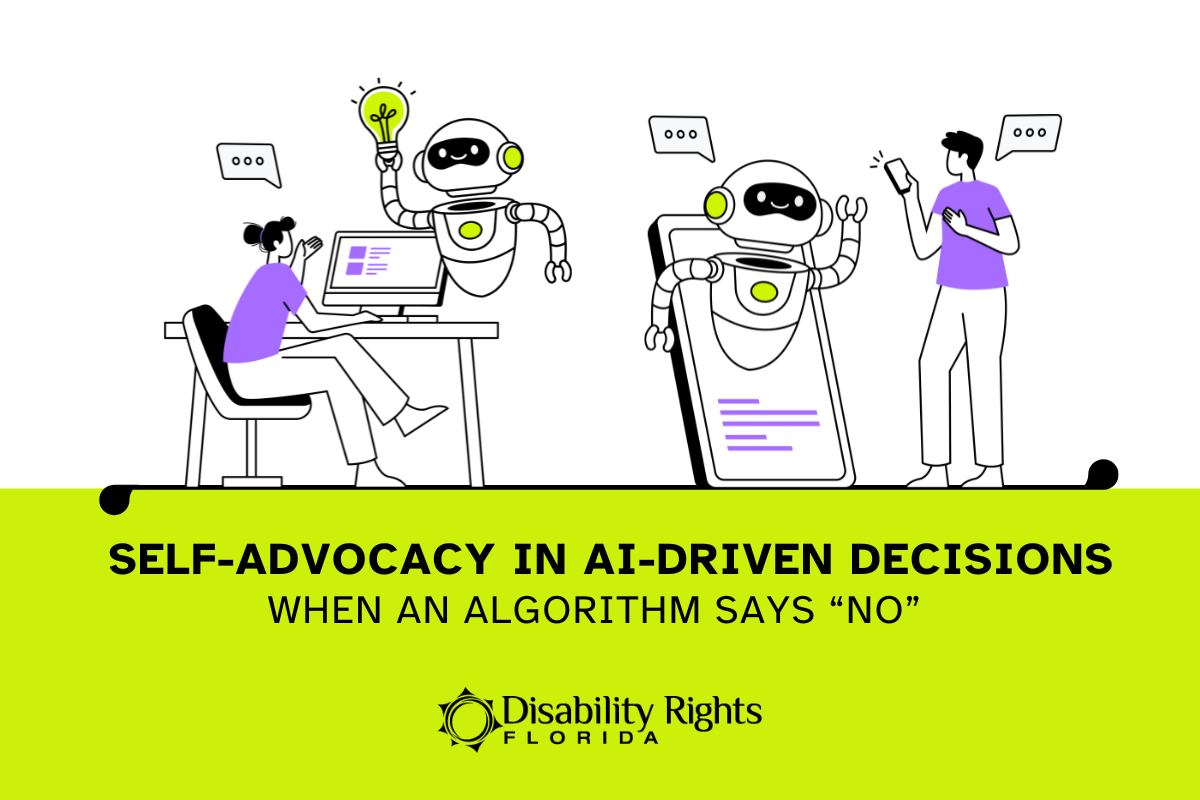
You check your health plan portal and see a denial. The “reason” is a short phrase, a code, or a reference to “clinical criteria.” When you call to ask what that means, you may hear: “That’s what the system decided.” No one can clearly tell you what information was used, whether your full medical record was reviewed, or what would change the outcome.
This is becoming more common because many health plans and health systems now use software tools to help make decisions. These tools can include automated rules, predictive models, and other forms of artificial intelligence (AI). They may be used to sort and screen prior authorization requests, flag people as “high risk,” or recommend what care should happen next.
Technology can speed up paperwork. But it can also create barriers. If the data going in is incomplete or wrong, the decision can be wrong. If a tool is designed around “average” patients, it can miss the real needs of a person with a disability. And when the process is hard to understand, people are pushed out of decisions about their own care.
This blog is not a step-by-step guide to appealing a denial. It is a practical guide to self-advocacy when AI or automated systems may be involved in healthcare decisions. You will learn what these tools are, what questions to ask, how to request a real review by a qualified person, and how to document what happened so you can follow up effectively.
When people hear AI, it can sound like a futuristic robot making life-or-death choices. In real life, it is usually more ordinary than that.
In healthcare, AI and automated tools are often used to sort information, flag requests for review, or recommend a next step. These tools can include:
These tools may be used in many places, including:
Important: Even when a person signs the final decision, an automated system may have shaped what they saw, how the request was categorized, or whether it was flagged for denial or delay.
If a decision feels unclear, you may see language like:
These phrases can be meaningful, but they are often used without enough detail. That is why self-advocacy starts with one goal: get specifics.
If you are told “the system decided,” “the computer flagged it,” or “that’s what the tool shows,” treat that as a sign to ask for the exact criteria used and whether a qualified person reviewed your full record.
Technology should make healthcare easier to access and easier to understand. But when automated tools are used without enough transparency and without a truly individualized review, they can create barriers. For people with disabilities, those barriers can have real consequences: delays in care, gaps in supports, worsening symptoms, or increased safety risks.
Here are some common ways automated systems can get in the way.
Automated tools can only work with the information they receive. If a diagnosis code is wrong, a note is missing, a form is incomplete, or a record is out of date, the system may produce the wrong result. This is especially common when someone’s care involves multiple providers or long histories that do not fit neatly into a short summary.
What this can look like: a denial that claims “insufficient documentation” when the documentation exists, or a decision that does not reflect your current needs.
Many tools are built around what is typical or average. Disability-related needs are not always “average.” A person may need more time to recover, a different type of therapy, or ongoing supports to stay safe at home. If a system assumes everyone improves on the same timeline, or that everyone has the same level of support, it can recommend care that does not match reality.
What this can look like: pressure to end therapy early, denial of certain equipment, or a recommendation for a level of care that is not safe.
A decision can be correct and still be a barrier if it is communicated in a way you cannot access or understand. Portal-only messages, small print, heavy jargon, or unclear instructions make it harder to respond. People should not be forced to navigate a confusing process just to learn what happened.
What this can look like: a denial notice that lists a code but no explanation, or a phone call where the person cannot clearly explain the reason.
Sometimes the “reason” is a phrase like “does not meet guidelines” without telling you which guideline, which criteria, or what specific information is missing. Without that, you cannot correct errors or provide what is needed. Lack of detail also makes it harder to know whether a qualified clinician reviewed your full record.
What this can look like: being told “that’s what the system shows” without any specifics.
High-volume processing can encourage shortcuts. A tool may screen requests quickly, and the review process may move faster than the time it takes to understand your full history and current needs. People with disabilities should not have to prove their needs from scratch every time a system resets the story.
What this can look like: repeated requests for the same documentation, or decisions that do not reflect the details your provider already submitted.
You do not need to prove that an AI caused the denial to advocate for yourself. You only need to do one thing: move the conversation from vague phrases to specific facts.
Below are steps you can use whether you are the patient, a family member, or an advocate supporting someone else.
Before you call (or send a message), gather three items:
Then write down your goal in one sentence:
This keeps the call focused.
Start with one sentence. Repeat it if you need to.
If you are given a code or a broad phrase, follow up with:
You do not have to ask every question. Choose the ones that match your situation.
If the person says, “That’s what the system shows,” respond with:
If the decision does not match your needs or your provider’s recommendation, ask for a review that is based on your full record.
If the decision involves supports that affect safety at home or in the community, you can add:
If the notice, portal, or process is hard to use, name it and request an alternative.
Examples of what “accessible to me” can mean:
A 60-second script you can use
You can copy and paste this into a message, or read it on the phone:
If you can, ask for confirmation in writing.
If they cannot send a summary, write your own quick recap (two or three sentences) and save it for your records.
Reminder: You are not being difficult. You are being clear. Clear questions create clear answers, and clear answers make it harder for mistakes and shortcuts to hide behind “the system.”
When a decision is influenced by an automated tool, the process can feel like a loop. You explain the same thing over and over. You get a vague response. You are told to call another number. A simple record helps you stay in control.
Documentation does three important things:
Although very helpful, you do not need an extensive binder of information. You need a few basics.
Save these items in whatever way works for you (phone notes, a folder, a notebook, or a simple document):
If you only have the energy for one thing, save the denial notice and write down the date. You can build from there.
This is common. Do not guess. Ask for specifics.
If they cannot answer these questions clearly, that is useful information to record.
At the end of every call, ask for two things:
If the person can send a written summary, request it. If they cannot, write your own two-sentence recap and save it.
Keep one log and add a new entry each time you call, message, or get an update.
If the issue continues, a short summary saves energy. You can copy and paste it into messages.
Documentation is not about being perfect. It is about creating a clear trail of what happened, what you asked for, and what the plan did next.
Sometimes the hardest part is not one decision. It is the pattern.
If you are getting the same vague denial language again and again, if the plan keeps claiming records are missing without saying what is missing, or if no one can explain the criteria used, that is not just frustrating. It can be a sign that the process itself is creating barriers. For people with disabilities, repeated barriers can mean repeated delays in care and repeated pressure to “start over” every time the system resets the story.
Noticing patterns is a form of advocacy. It helps you move from a single phone call to a clear, organized message that is harder to dismiss.
Here are a few signs you may be dealing with a pattern:
When you spot a pattern, keep it simple. You do not need to write an essay. You can create a short “pattern summary” you can reuse in calls, messages, or meetings.
Patterns also help advocates push for better systems. When multiple people report the same barrier, it becomes easier to show that the issue is not an individual mistake. It is a system problem that needs a system fix.
Prepared voices create change. Clear records and clear patterns help your voice carry further.
Accountability does not have to mean confrontation. It means making the process clear enough that mistakes can be found and fixed, and that people are not pushed out of decisions about their own care.
When technology is involved, a fair process should have four basic features.
First, it should be transparent. You should be able to get a clear reason for the decision, in plain language, along with the criteria or guideline used.
Second, it should be individualized. Your request should be reviewed based on your full record and your disability-related needs, not a generic timeline or an “average” expectation.
Third, it should be accessible. You should be able to receive notices and communicate in a format you can use, without being forced into portal-only systems or jargon you cannot decode.
Fourth, it should be accountable. There should be a responsible person or department who can explain the decision, confirm next steps, and correct errors when the record is wrong.
If you are comfortable, you can ask one additional question that often changes the tone of the conversation:
That question is not about blame. It is about whether the organization has a process for quality checks, meaningful human review, and correcting the record when something goes wrong.
When a healthcare decision feels like it came from a computer, it is easy to feel powerless. But “the system decided” is not an explanation, and it should not be the end of the conversation.
You deserve decisions that are clear, fair, and based on your actual needs. When technology is part of the process, self-advocacy often starts with a few steady moves: ask for the specific criteria used, request review by a qualified person who has access to your full record, and document what happened so you can follow up without repeating yourself.
If you take nothing else from this guide, take these three steps:
Prepared voices create change. Clear questions and clear records help make sure technology serves people, not the other way around.
This post is for general information and education. It is not legal advice.
Please do not leave requests for assistance in the comments. Blog comments are not monitored by intake staff and your request may not be seen. Visit our Online Intake Page to request our services.
Commenting is not available in this channel entry.Get clear, reliable updates on the issues that affect people with disabilities—without the noise or jargon. We’ll share practical information, important changes, and real stories that show how advocacy is making a difference. You’ll also learn simple ways to stay informed, get involved, and help drive meaningful change.
We care about your privacy and trust, and will never share or sell your email address.
Comments